The Engineering Behind Your File Upload
Ever hit upload and wondered what actually happens behind the scenes?
Your file takes a wild journey through API requests, load balancers deciding which server gets the honor, multiple storage layers from lightning-fast caches to that grumpy glacier taking 12 hours to respond, and data replication across continents because AWS apparently doesn't trust putting all your eggs in one basket.
The best part? All of this happens in milliseconds. Your cat photos, important documents, and that spreadsheet you'll never use are bouncing across data centers, getting copied multiple times, safely stored away. It's basically a digital insurance policy on steroids.
AWS built this infrastructure so bulletproof that losing your data is statistically less likely than winning the lottery. Honestly pretty fascinating when you break it down.
Check out the full breakdown to see exactly what happens when you upload to the cloud. More complicated than you think, but way cooler.
Read the slides as text
Slide 1
1
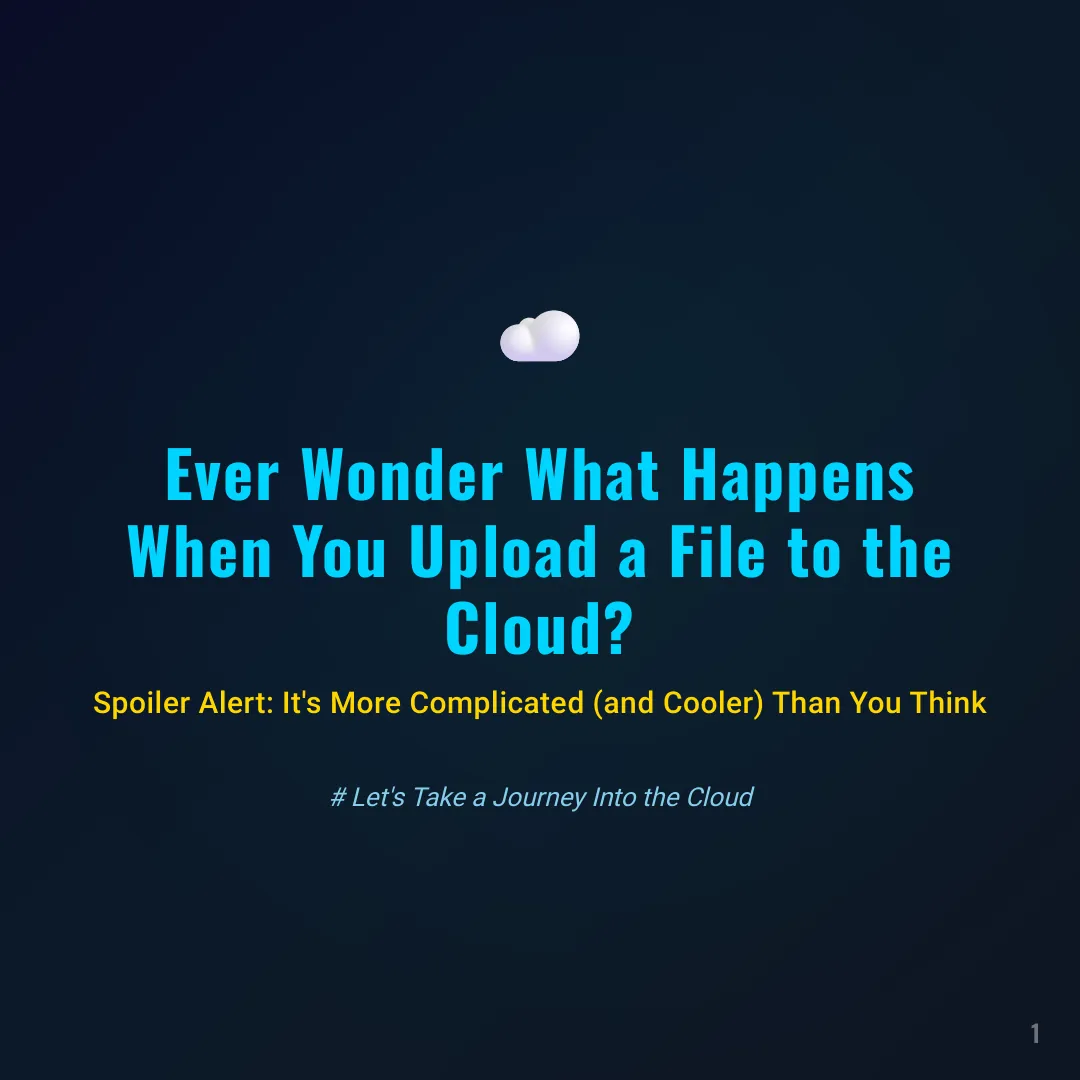
Ever Wonder What Happens
When You Upload a File to the
Cloud?
Spoiler Alert: It's More Complicated (and Cooler) Than You Think
# Let's Take a Journey Into the Cloud
☁️
Slide 2
2
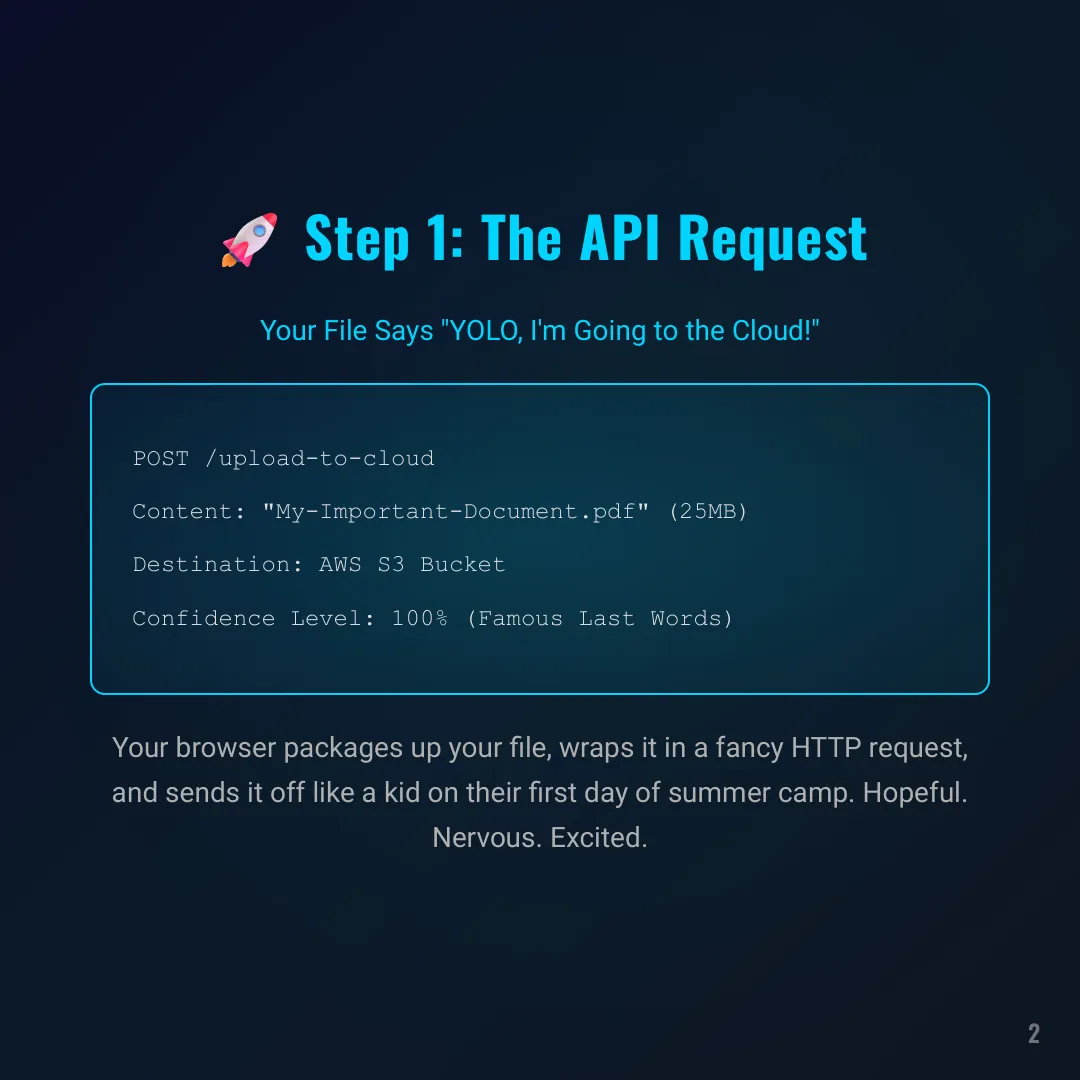
🚀 Step 1: The API Request
Your File Says "YOLO, I'm Going to the Cloud!"
POST /upload-to-cloud
Content: "My-Important-Document.pdf" (25MB)
Destination: AWS S3 Bucket
Confidence Level: 100% (Famous Last Words)
Your browser packages up your file, wraps it in a fancy HTTP request,
and sends it off like a kid on their first day of summer camp. Hopeful.
Nervous. Excited.
Slide 3
3
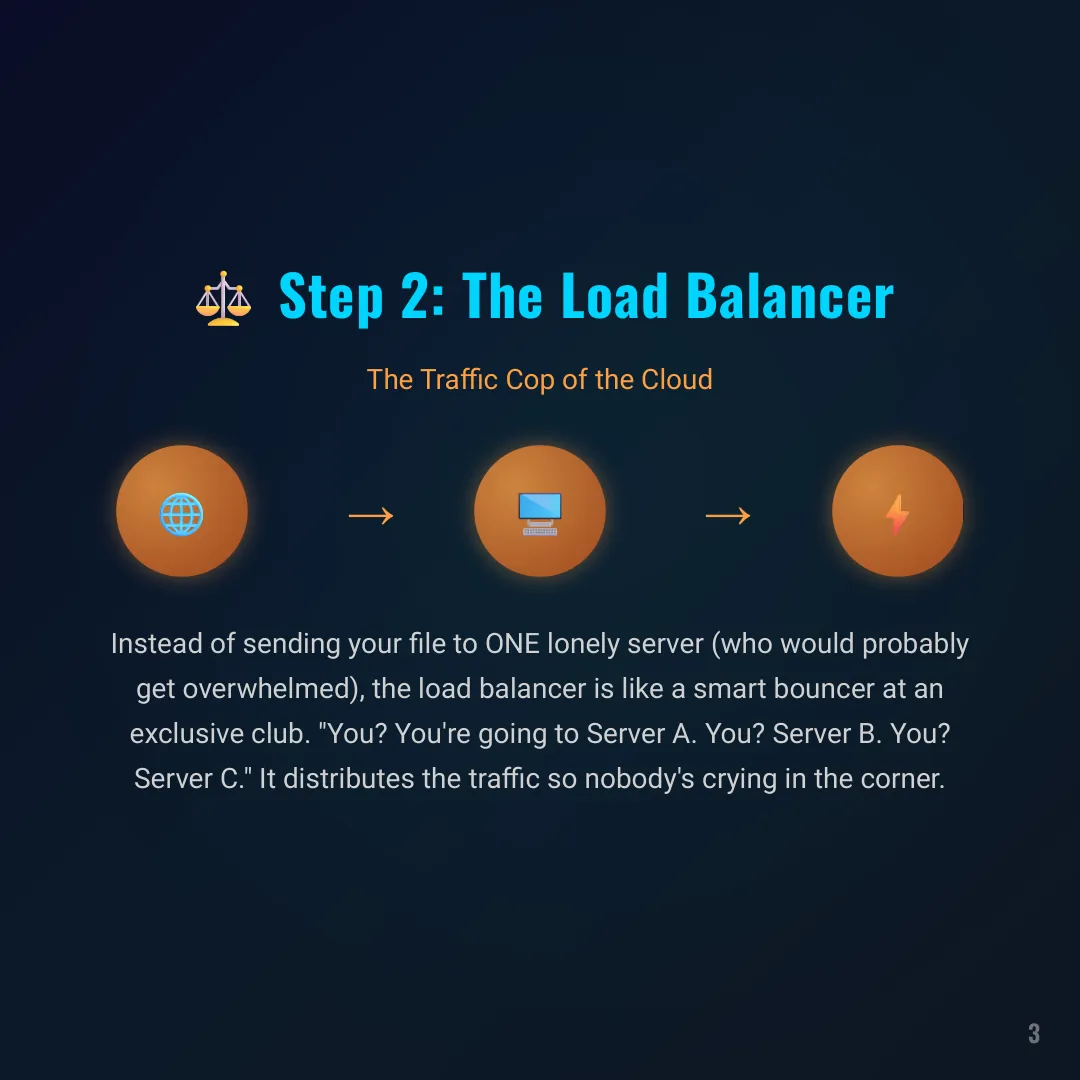
⚖️ Step 2: The Load Balancer
The Traffic Cop of the Cloud
Instead of sending your file to ONE lonely server (who would probably
get overwhelmed), the load balancer is like a smart bouncer at an
exclusive club. "You? You're going to Server A. You? Server B. You?
Server C." It distributes the traffic so nobody's crying in the corner.
🌐
→
🖥️
→
⚡
Slide 4
4
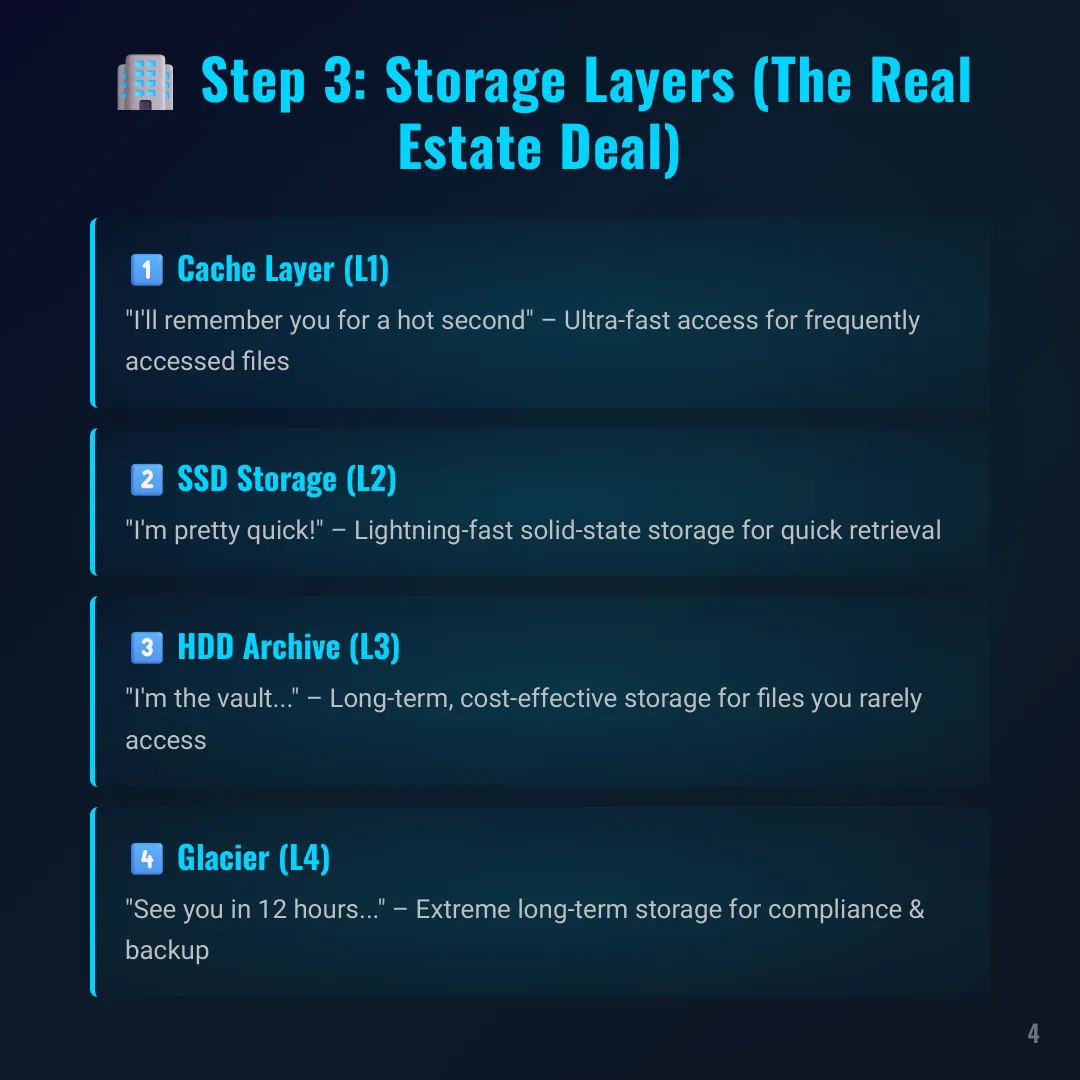
🏢 Step 3: Storage Layers (The Real
Estate Deal)
1️⃣ Cache Layer (L1)
"I'll remember you for a hot second" – Ultra-fast access for frequently
accessed files
2️⃣ SSD Storage (L2)
"I'm pretty quick!" – Lightning-fast solid-state storage for quick retrieval
3️⃣ HDD Archive (L3)
"I'm the vault..." – Long-term, cost-effective storage for files you rarely
access
4️⃣ Glacier (L4)
"See you in 12 hours..." – Extreme long-term storage for compliance &
backup
Slide 5
5
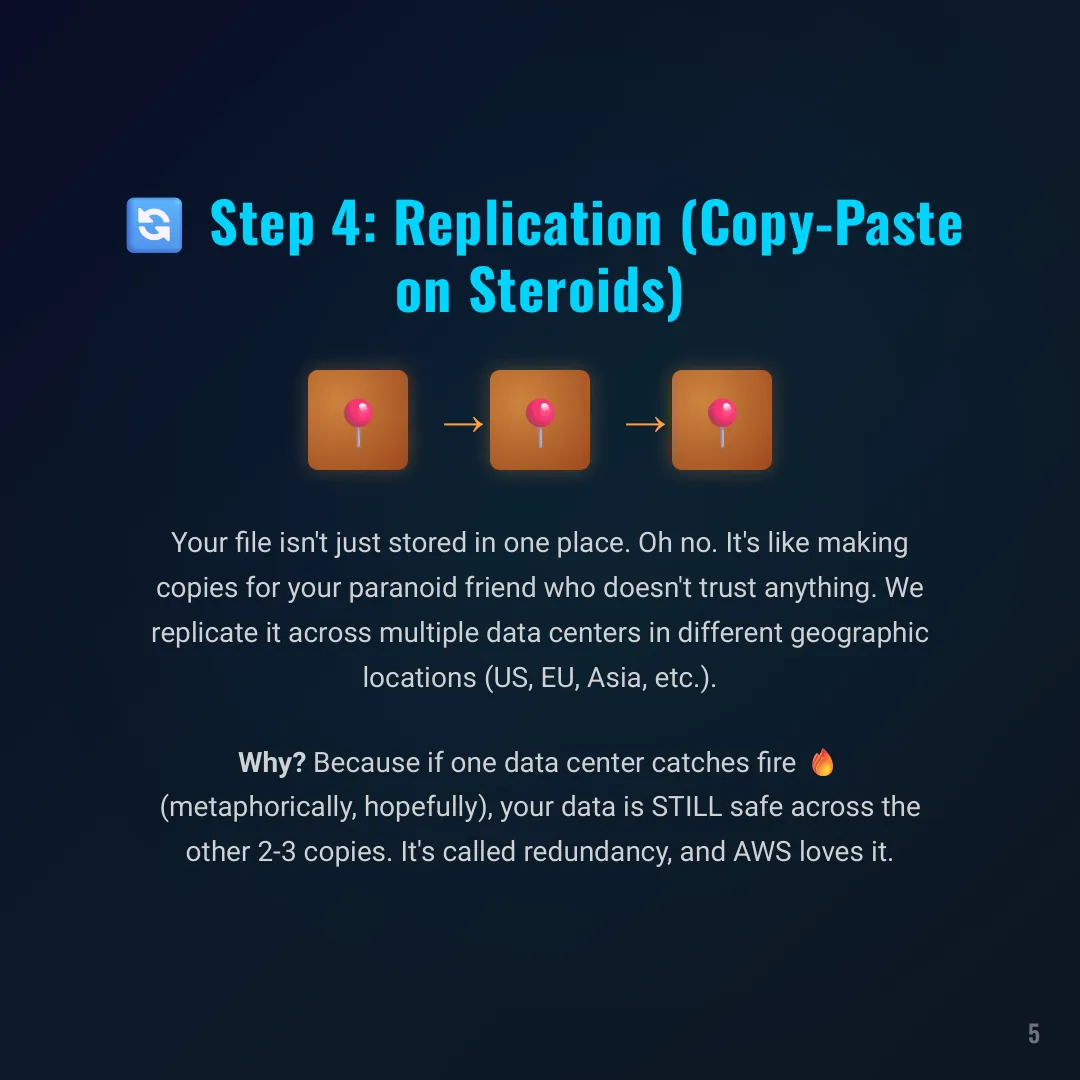
🔄 Step 4: Replication (Copy-Paste
on Steroids)
📍
📍
📍
Your file isn't just stored in one place. Oh no. It's like making
copies for your paranoid friend who doesn't trust anything. We
replicate it across multiple data centers in different geographic
locations (US, EU, Asia, etc.).
Why? Because if one data center catches fire 🔥
(metaphorically, hopefully), your data is STILL safe across the
other 2-3 copies. It's called redundancy, and AWS loves it.
→
→
Slide 6
6
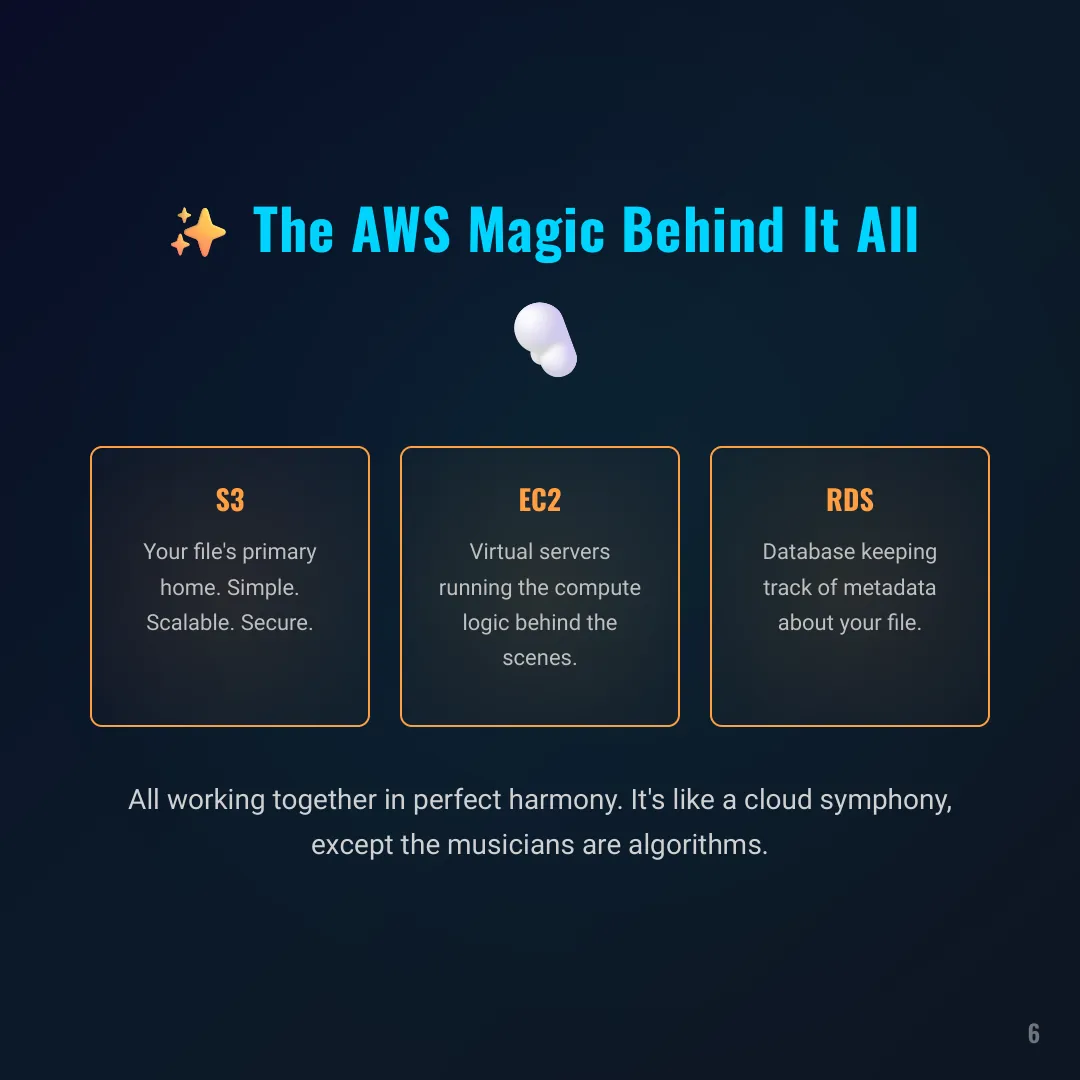
✨ The AWS Magic Behind It All
S3
Your file's primary
home. Simple.
Scalable. Secure.
EC2
Virtual servers
running the compute
logic behind the
scenes.
RDS
Database keeping
track of metadata
about your file.
All working together in perfect harmony. It's like a cloud symphony,
except the musicians are algorithms.
☁️
Slide 7
7
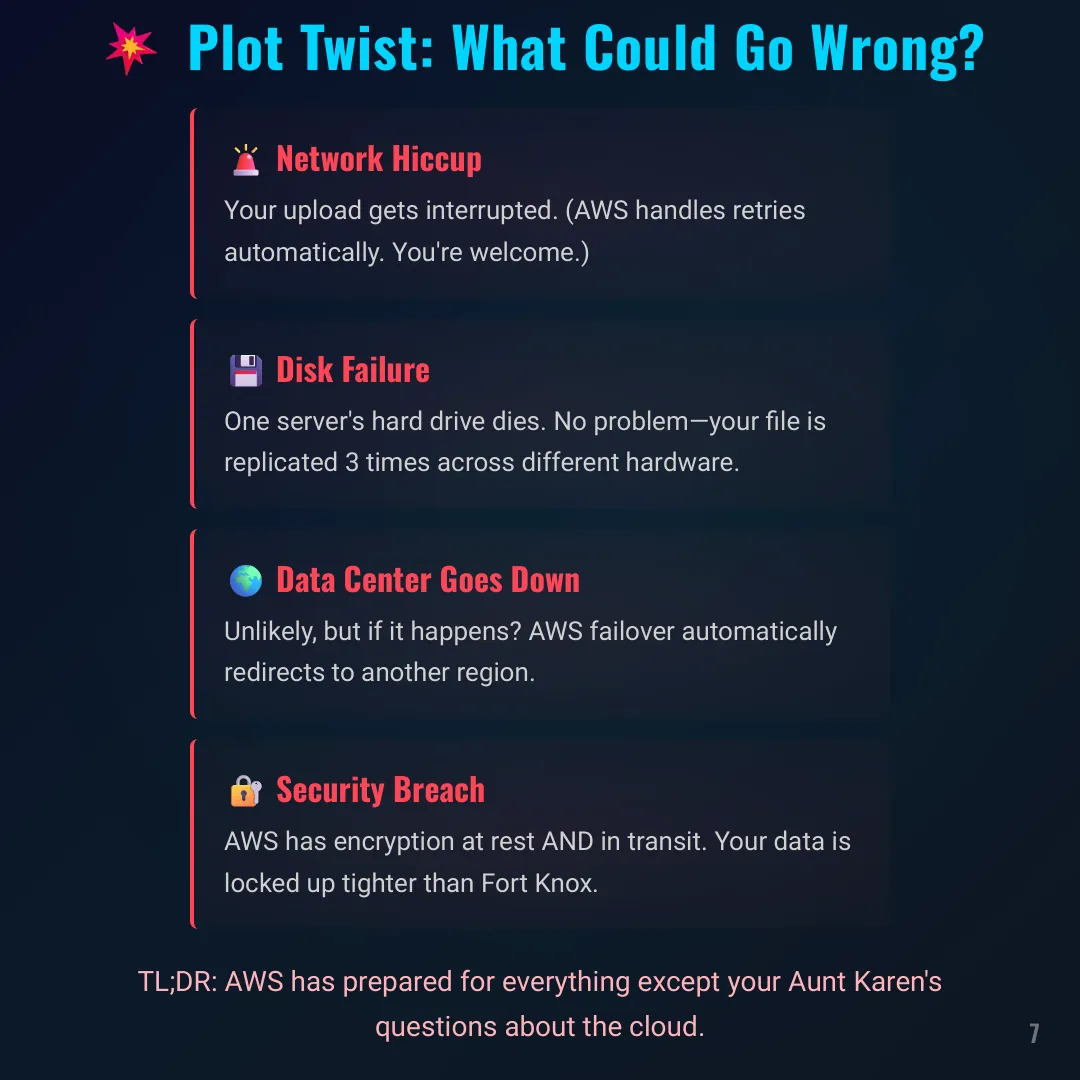
💥 Plot Twist: What Could Go Wrong?
🚨 Network Hiccup
Your upload gets interrupted. (AWS handles retries
automatically. You're welcome.)
💾 Disk Failure
One server's hard drive dies. No problem—your file is
replicated 3 times across different hardware.
🌍 Data Center Goes Down
Unlikely, but if it happens? AWS failover automatically
redirects to another region.
🔐 Security Breach
AWS has encryption at rest AND in transit. Your data is
locked up tighter than Fort Knox.
TL;DR: AWS has prepared for everything except your Aunt Karen's
questions about the cloud.
Slide 8
8
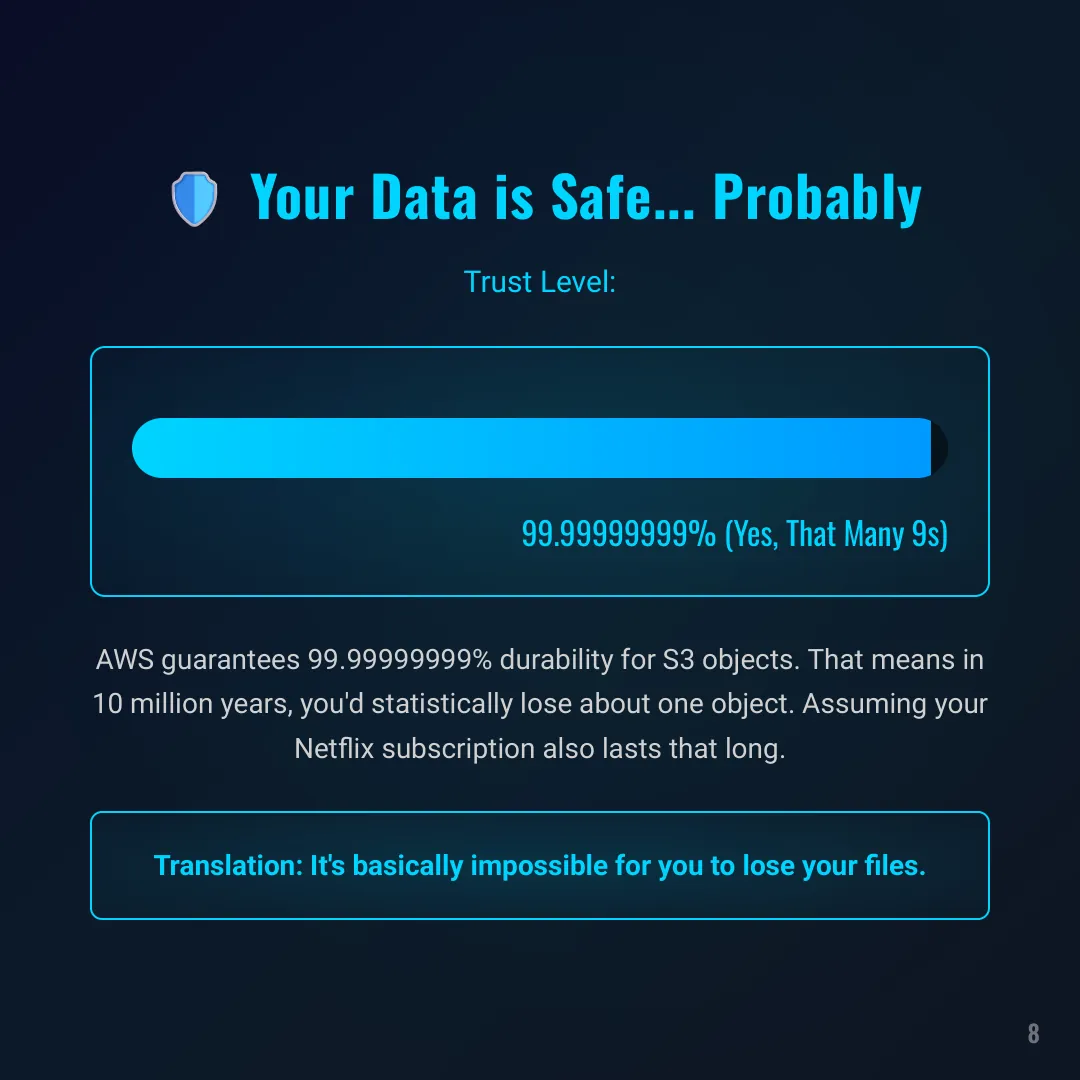
🛡️ Your Data is Safe... Probably
Trust Level:
99.99999999% (Yes, That Many 9s)
AWS guarantees 99.99999999% durability for S3 objects. That means in
10 million years, you'd statistically lose about one object. Assuming your
Netflix subscription also lasts that long.
Translation: It's basically impossible for you to lose your files.
Slide 9
9
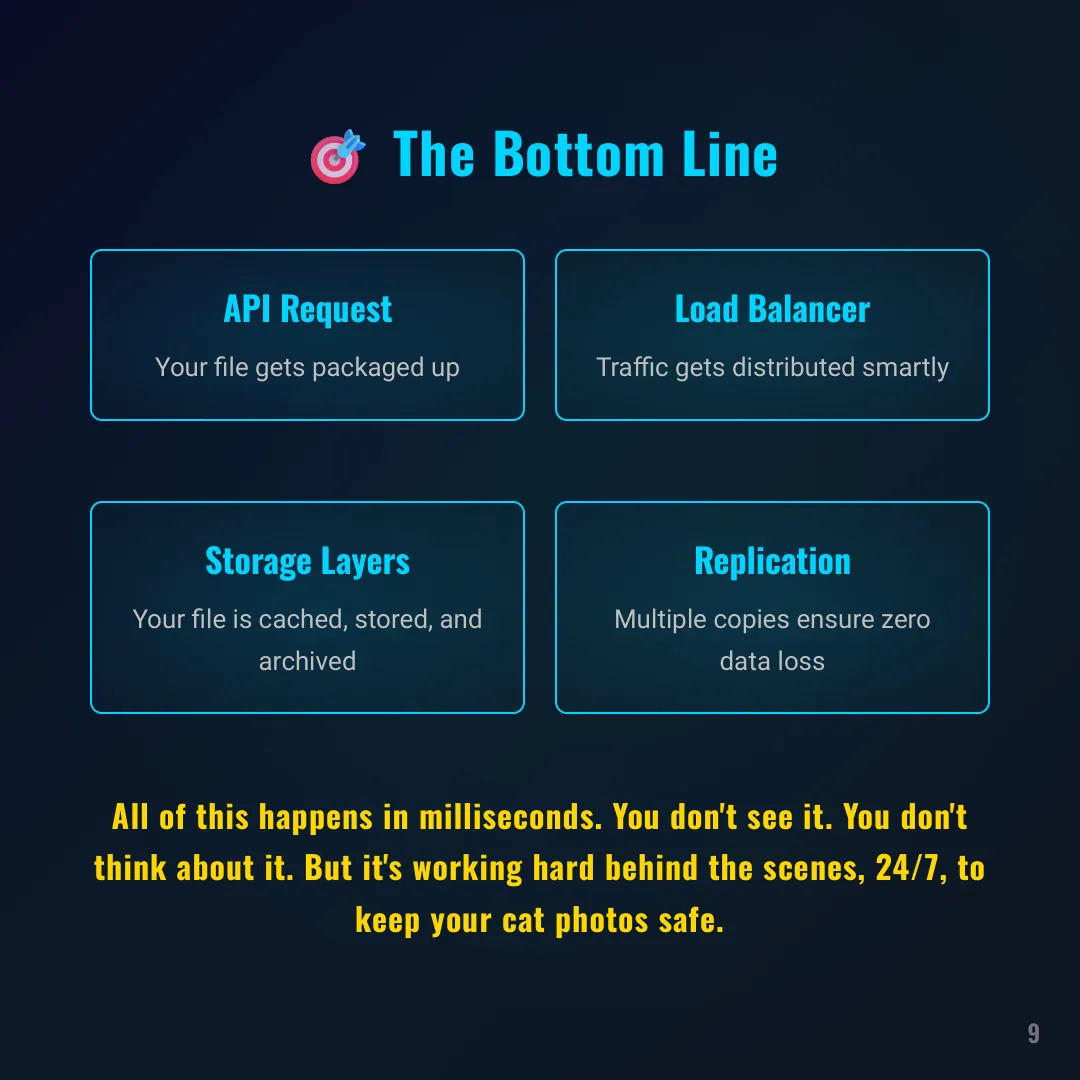
🎯 The Bottom Line
API Request
Your file gets packaged up
Load Balancer
Traffic gets distributed smartly
Storage Layers
Your file is cached, stored, and
archived
Replication
Multiple copies ensure zero
data loss
All of this happens in milliseconds. You don't see it. You don't
think about it. But it's working hard behind the scenes, 24/7, to
keep your cat photos safe.
Slide 10
10
Thanks for the Deep Dive!
🙌
Now you know what's happening behind the scenes every time
you hit that upload button.
Pretty wild, right?
💬 Drop a comment below if you have cloud questions!
🔗 Interested in cloud architecture? Let's connect!
👋